


Fetch 2.5 is built around visibility and organization. This release gives you better tools to structure your schedule, track what’s happening in your classes, and keep your calendar manageable as your business grows.
Calendar Filter Drawer

A new filter drawer lets you slice your calendar view by staff member, event type, tags, and categories, all without leaving the calendar. Filters apply instantly, so switching between views takes seconds.
The calendar also now includes a List View – a clean, sortable table showing all upcoming events with name, date, time, location, staff, and participant count at a glance. Useful when you want a bird’s-eye view of the week without scrolling through the grid.
What this means for you: Less hunting, more doing – whether you’re checking a trainer’s schedule or reviewing all your upcoming puppy classes.
Tags & Categories on Events

You can now tag and categorize your group events and class bundles, the same flexible labeling system you’ve always had for contacts and dogs, now applied to your calendar.
Tags are freeform – mark a class as “beginner-friendly,” “outdoor,” or whatever fits your system. Categories are more structured, think “Puppy Classes,” “Adult Obedience,” or “Agility Training” – and each one can be assigned a color for quick visual recognition. Both appear on event cards and work as filters across your calendar.
What this means for you: A calendar that reflects how you actually think about your classes, and one that’s easy to navigate as your schedule fills up.
Attendance Tracker
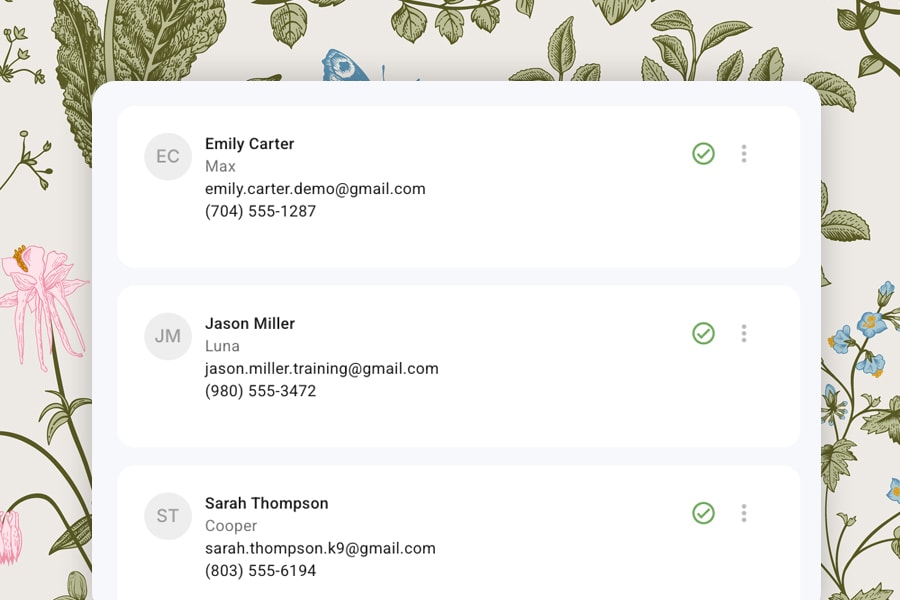
Group events now include a built-in Attendance Tracker. For each session, you can mark participants as attended – right from the event detail panel. Records are saved per session, so you can look back at any past class and see exactly who showed up.
This is especially useful for multi-week bundles where tracking engagement across the full series matters.
What this means for you: A clear record of who showed up, session by session – and the foundation for future features like automated follow-ups for missed classes.
Waivers
You can create and edit liability waivers from the Forms & Waivers section in Settings, send them to clients for signing, and store completed waivers on both the client and dog profile. Every waiver also has its own shareable direct link – clients can sign without logging in, and the completed record appears on their profile automatically.
Form Responses
Forms now have a dedicated response page that displays every question and answer in a clean, readable layout. Any completed response can also be downloaded as a formatted PDF with a single click – useful for printing records, sharing with a vet, or keeping offline copies.
Repeating Group Events
Repeating events for groups are now supported. Set a recurrence pattern for a class bundle, choose an end date or session count, and Fetch generates all the individual sessions automatically. Clients who register are enrolled across the full series.
More Improvements
- Scheduler Availability – now configurable directly from each team member’s profile, replacing the old Working Hours setting
- Kanban Board – cards can now be moved between columns and archived, with the option to restore archived cards at any time
- Contact Sorting – click any column header in People, Dogs, or Companies to sort ascending or descending, server-side
Fetch 2.4 is about connecting your workflows. From intake to registration to client communication, this release puts more of your process on autopilot, so less falls on you to manage manually.
With Custom Forms, Event Workflows, and Automations, you now have real control over how clients move through your business. And with AI Conversation Mode, that process gets a whole lot more human.
Custom Forms

Go beyond the system forms that come with your account.
Custom Forms let you build intake forms, waivers, questionnaires, and more – tailored to how your business actually works. Once created, forms can be connected to your workflows to trigger automatically at the right moment.
What this means for you: The right questions, asked at the right time, without you having to send anything manually.
AI Conversation Mode

Conversation Mode turns any intake form into a guided, voice-driven interview.
Instead of presenting clients with a static form to fill out, Conversation Mode walks them through it naturally, one question at a time, using AI to keep the experience feeling personal and easy.
What this means for you: Clients complete onboarding on their terms, and you get the same structured data you need.
Registration Workflows

You can now control exactly how clients move from inquiry to registered, without managing each step by hand.
Event Workflows let you define the path: what forms are required, when invites go out, and how clients confirm their spot.
What this means for you: A consistent, professional registration experience that runs itself.
More Improvements
- Automated Client Invites
- Portal Calendar
- Registration from the Calendar
Fetch 2.3 is a meaningful step forward in how the platform works behind the scenes and how it feels day-to-day. This release brings more consistency across apps, more control for professionals, and a smoother experience for your clients.
Notification System (Rebuilt)
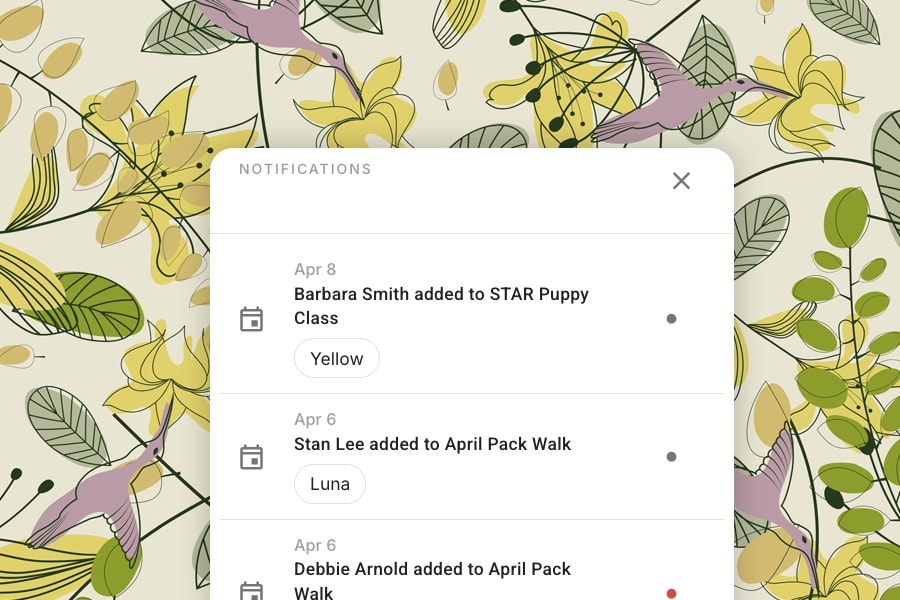
We’ve introduced a completely new notification system designed for clarity, flexibility, and control.
All notifications now flow through a unified system with two delivery paths:
- Batch notifications for grouped updates
- Immediate notifications for time-sensitive events
Notification delivery is now powered by centralized templates, creating consistency across the platform while keeping the system easier to evolve over time.
Professionals can now customize notification preferences:
- By topic
- By channel (email, text, in-app, etc.)
- Directly from profile settings
What this means for you:
More control, better organization, and a notification experience that adapts to how you work.
Client Portal Improvements

The client portal is now more connected and responsive.
- Event notifications are fully integrated into the portal
- Event popup redesigned for a cleaner, more consistent experience
- New portal controller for faster and more reliable event data
- Improved invite flows
- Stronger access controls
What this means for you:
Clients stay informed and engaged with a seamless, professional experience.
Tax ID System
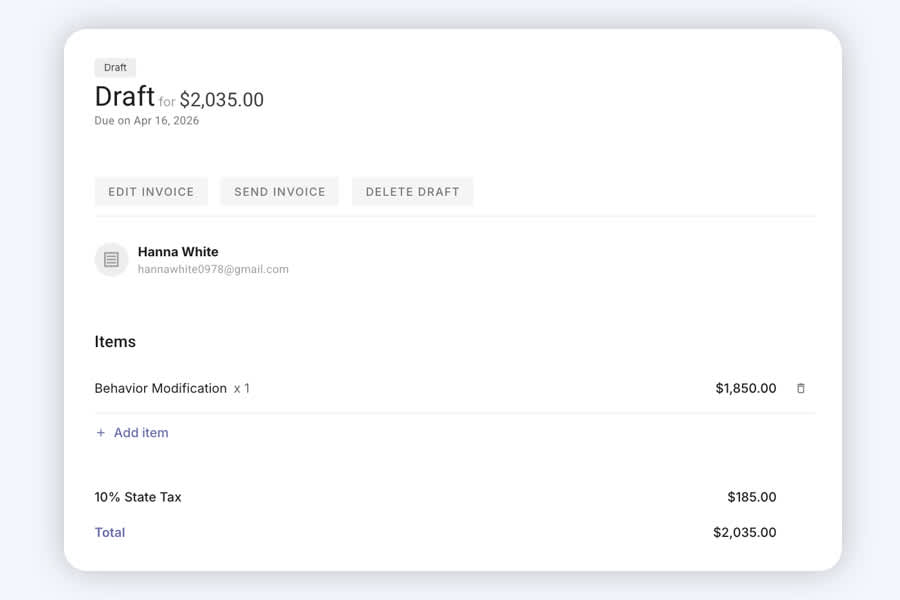
We’ve introduced a new Tax ID system at the account level.
This creates a consistent structure for handling taxes across your business and sets the stage for future enhancements in reporting and payments.
Homework & Templates (Reimagined)
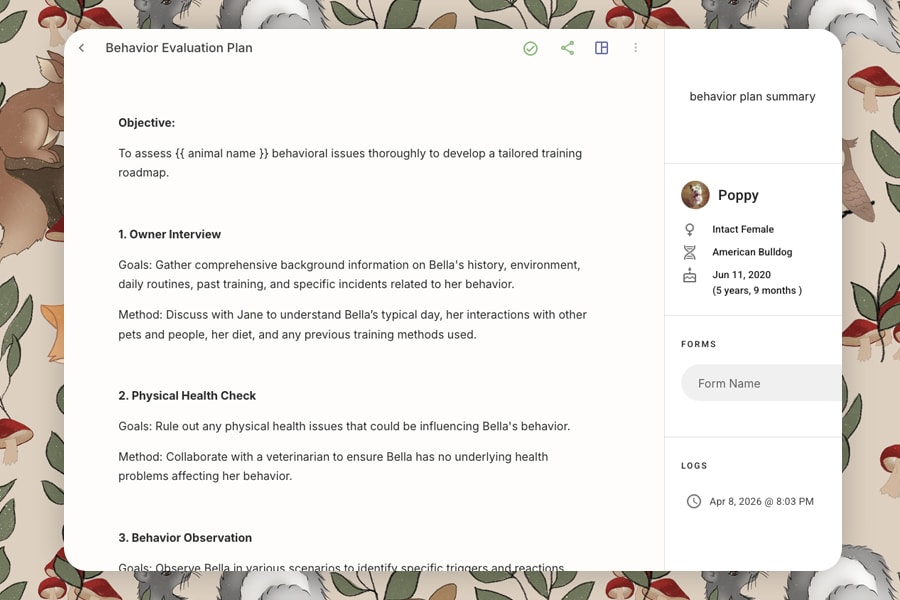
We’ve made significant improvements to how homework and homework templates are created, edited, and managed.
The homework editor now opens as a full-page experience, giving you more space to work and a clearer, more focused layout.
Saving has also been completely streamlined:
- Homework now auto-saves as you type
- Navigating away won’t lose your work
- Cmd/Ctrl + S triggers an immediate save when you want it
We’ve also introduced smart conflict protection. If the same homework is opened across multiple tabs or devices, Fetch will detect newer versions and automatically load the most up-to-date one, along with a simple notification so you know what changed.
These same improvements apply to homework templates in Settings, creating a consistent experience across both workflows.
Finally, adding resources – like products, videos, links, and handouts – is now faster and more intuitive, with an improved search experience built directly into the editor.
Scheduler & Forms: Unified Notification Routing
The Scheduler and Forms apps are now fully aligned with the main platform for notification delivery.
All communication now routes through a single system, ensuring consistency across every touchpoint.
Group Events & Bundles: Clean, Account-Based URLs
Group events and bundles now use simplified, account-based URLs.
This creates clean, professional links that are easy to share and consistent across your business.
More Improvements
- Additional Australian timezones
- Client Note updates
- CSV Import Tool
This release focuses on making Fetch more flexible, more reliable, and better aligned with how animal professionals actually run their businesses. Many of these updates were driven directly by professional feedback – and we’re just getting started.
Multiple Google Calendars

You can now connect and manage multiple Google Calendars inside Fetch. This gives you greater control over which calendars block availability for online scheduling, and how events are written back to Google.
Many professionals juggle personal, business, and shared calendars. This update makes it easier to avoid conflicts and keep your availability accurate without workarounds.
Repeat Events
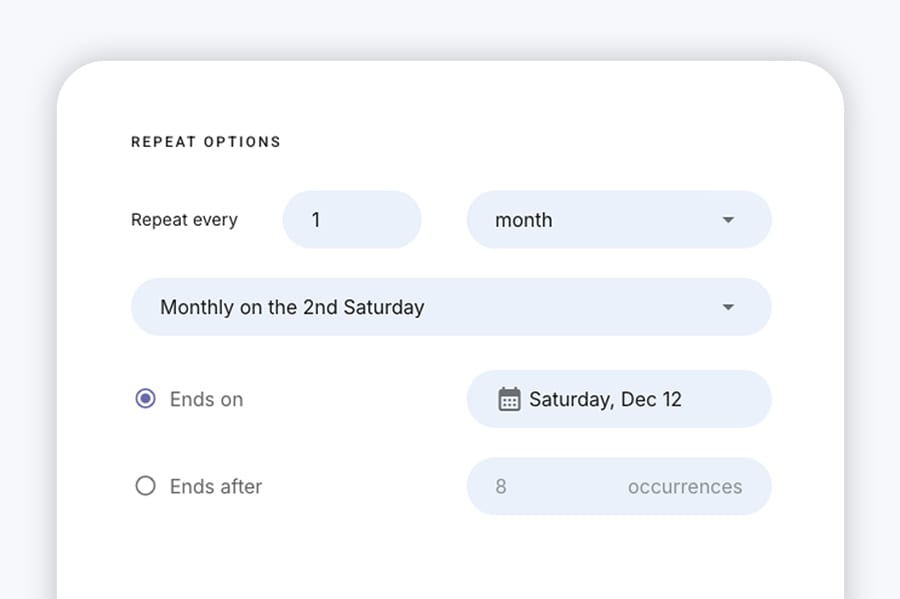
Creating recurring events is now simpler and more flexible. Whether you’re running weekly lessons, ongoing classes, or structured programs, Repeat Events reduce setup time and keep schedules consistent.
Less manual work, fewer mistakes, and cleaner calendars – especially for professionals managing multiple clients or groups.
Rolling Enrollment
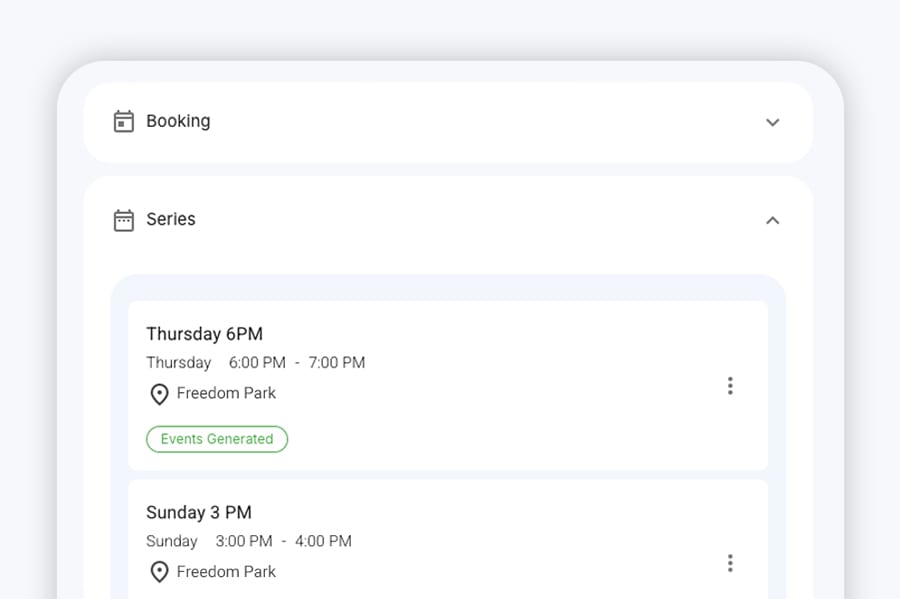
Rolling Enrollment allows clients to join a series after it has already started, without breaking your scheduling logic or client records.
Not every group program starts and ends neatly. This update reflects how training actually works in practice.
Enhanced Client Uploads
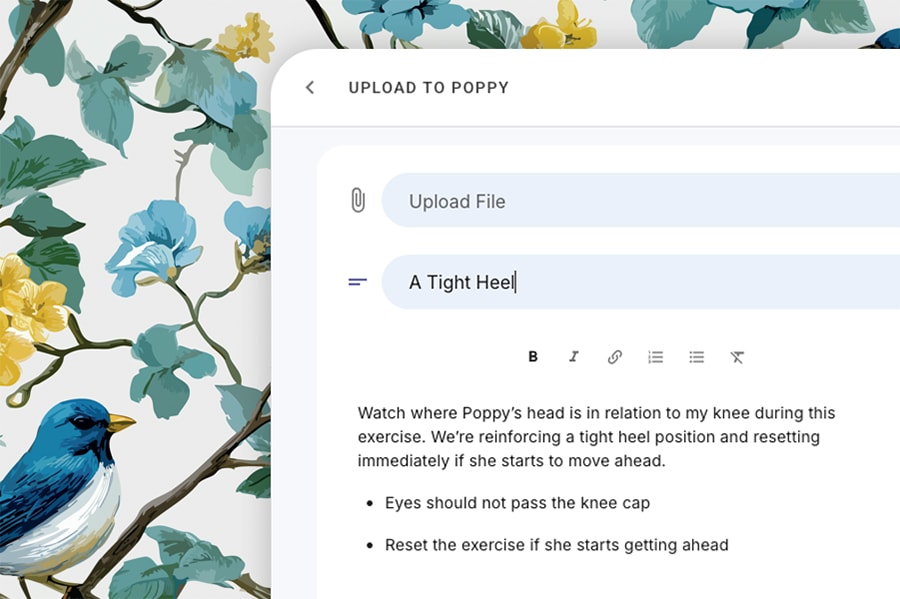
Client uploads now support improved organization and notes, making it easier to understand what was shared and why – whether it’s intake documents, videos, or progress updates.
Cleaner communication means fewer follow-ups and better continuity across sessions.
More Improvements
- Product Updates Feed: Stay informed about new features directly inside Fetch.
- Performance & reliability improvements: Ongoing refinements to keep Fetch fast and stable as your account grows.
- Scheduling edge-case fixes: Improvements to availability handling for complex calendars and time zones.
- UI polish and consistency updates: Small visual and usability tweaks throughout the app.
Fetch 2.1 is a foundational release focused on improving the reliability, consistency, and long-term scalability of the platform. While many of these updates work quietly behind the scenes, they significantly improve how Fetch handles scheduling, integrations, and client data as your business grows.
This release sets the stage for more advanced features rolling out next.
Smarter Event & Scheduling Logic

We rebuilt key parts of how events are created, updated, and managed – especially for recurring, group, and rolling sessions.
Fetch now handles:
- Safer updates to single, future, or entire event series
- More reliable splitting of recurring events when changes are made
- Clear separation between original events and generated instances
This ensures schedule changes behave predictably and reduces the risk of accidental data issues.
Stronger Google Calendar Integration

Google Calendar syncing received a major stability pass.
Improvements include:
- Clearer separation between read and write calendars
- Better handling of legacy calendar setups
- Safer update and delete behavior to prevent sync conflicts
- Improved error handling and recovery behind the scenes
The result: fewer surprises and more confidence that calendars stay in sync.
Improved Client & Animal Data Integrity
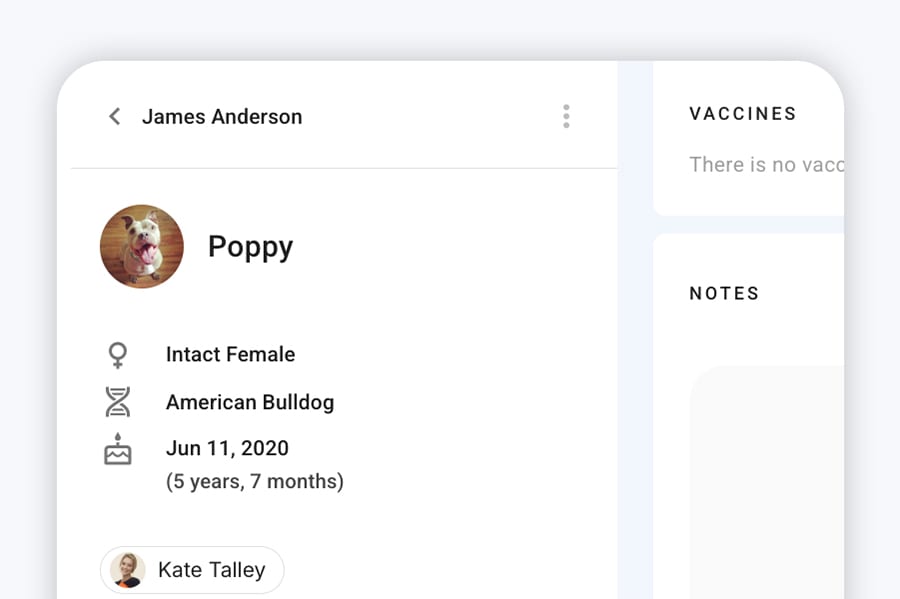
We made structural improvements to how clients, animals, and events relate to each other.
This includes:
- More reliable linking between clients, animals, and events
- Safer contact and animal merge workflows
- Protection against unintended data removal during merges or updates
These changes improve accuracy, especially for larger or long-running accounts.
Background Processing
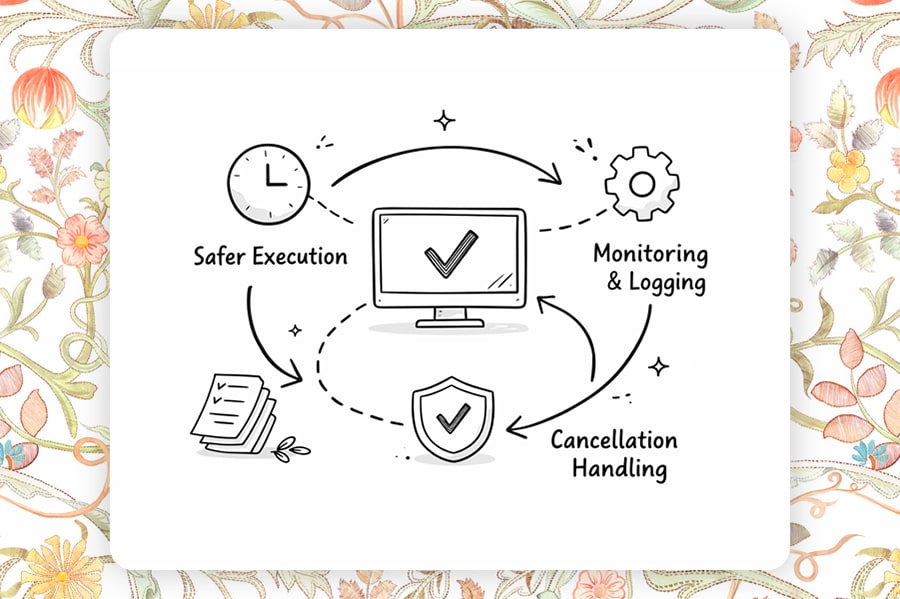
Fetch relies heavily on background jobs for things like syncing, reminders, and cleanups. In 2.1, we hardened these processes to be more fault-tolerant.
Updates include:
- Safer background job execution
- Improved cancellation handling
- Better internal monitoring and logging
This helps prevent silent failures and improves overall system reliability.
More Improvements
In addition to the major updates above, Fetch 2.1 includes many smaller refinements, such as:
- Improved session and authentication reliability
- Better handling of edge cases during event deletes
- Cleaner internal data models
- General performance and maintainability improvements
Fetch 2.0 introduced one of the most important upgrades since the platform began: Teams.
This release lays the groundwork for multi-professional businesses – allowing trainers, behaviorists, and staff to work together inside a single Fetch account, without sacrificing clarity, control, or data ownership.
Teams & Shared Accounts

Fetch now supports multiple users working within the same account, making it easier for growing businesses to collaborate without juggling logins or duplicate data.
Each account has a clear owner, while additional team members can be invited and managed as the business grows.
Many training businesses are not solo operations. Teams allows Fetch to scale with real organizations – not just individuals.
Role Based Access
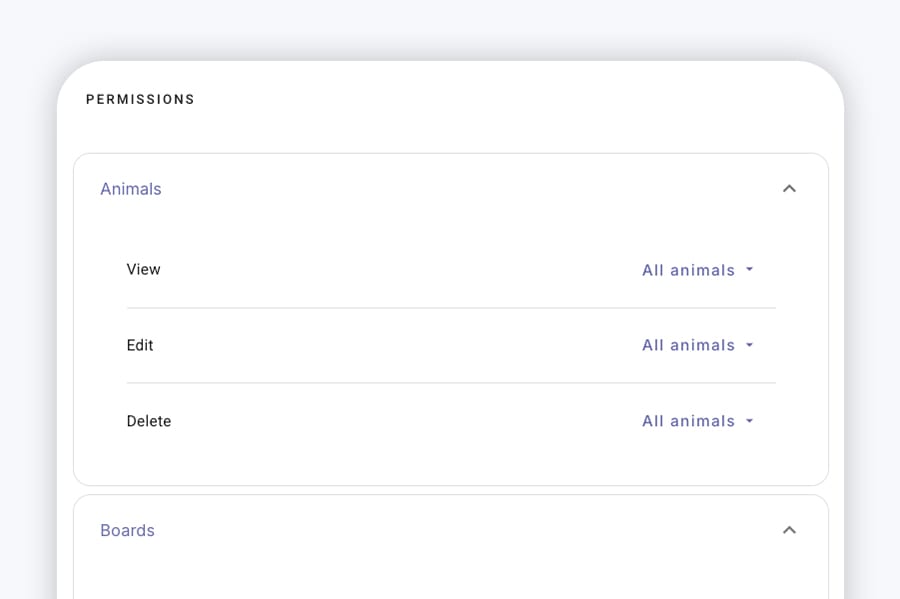
Fetch 2.0 introduced role-based permissions, allowing account owners to control what each team member can see and manage.
Roles include Owners, Admins, Staff, Professionals, and Viewers – each designed around real responsibilities inside a training business.
Not everyone needs access to billing, settings, or client records. This keeps data secure while enabling collaboration.
Professional Seats

Professional seats allow multiple trainers or behavior professionals to operate within the same account – each with their own scheduling, clients, and responsibilities, while still sharing the broader business infrastructure.
Fetch is no longer limited to “one professional per account.” This unlocks team scheduling, shared programs, and future multi-professional features.
Invitations & Onboarding
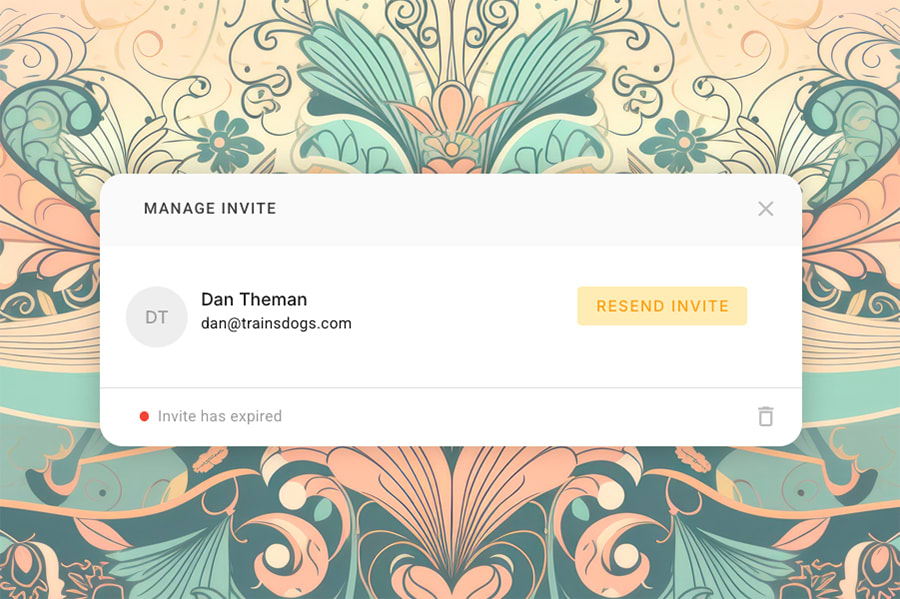
Team members can now be invited via email and guided through onboarding, ensuring they’re properly connected to the account from day one.
Adding a new team member shouldn’t require manual setup or support tickets. Fetch handles the connection cleanly.
More Improvements
- Account-centric data model: Core data is now anchored at the account level, improving consistency and scalability.
- Improved permission handling across features: Scheduling, clients, and events now respect role boundaries.
- Cleaner separation of profiles, memberships, and accounts: This unlocks future features without breaking existing data.
- Foundation for future collaboration features: Messaging, assignments, and shared workflows build on this work.